
1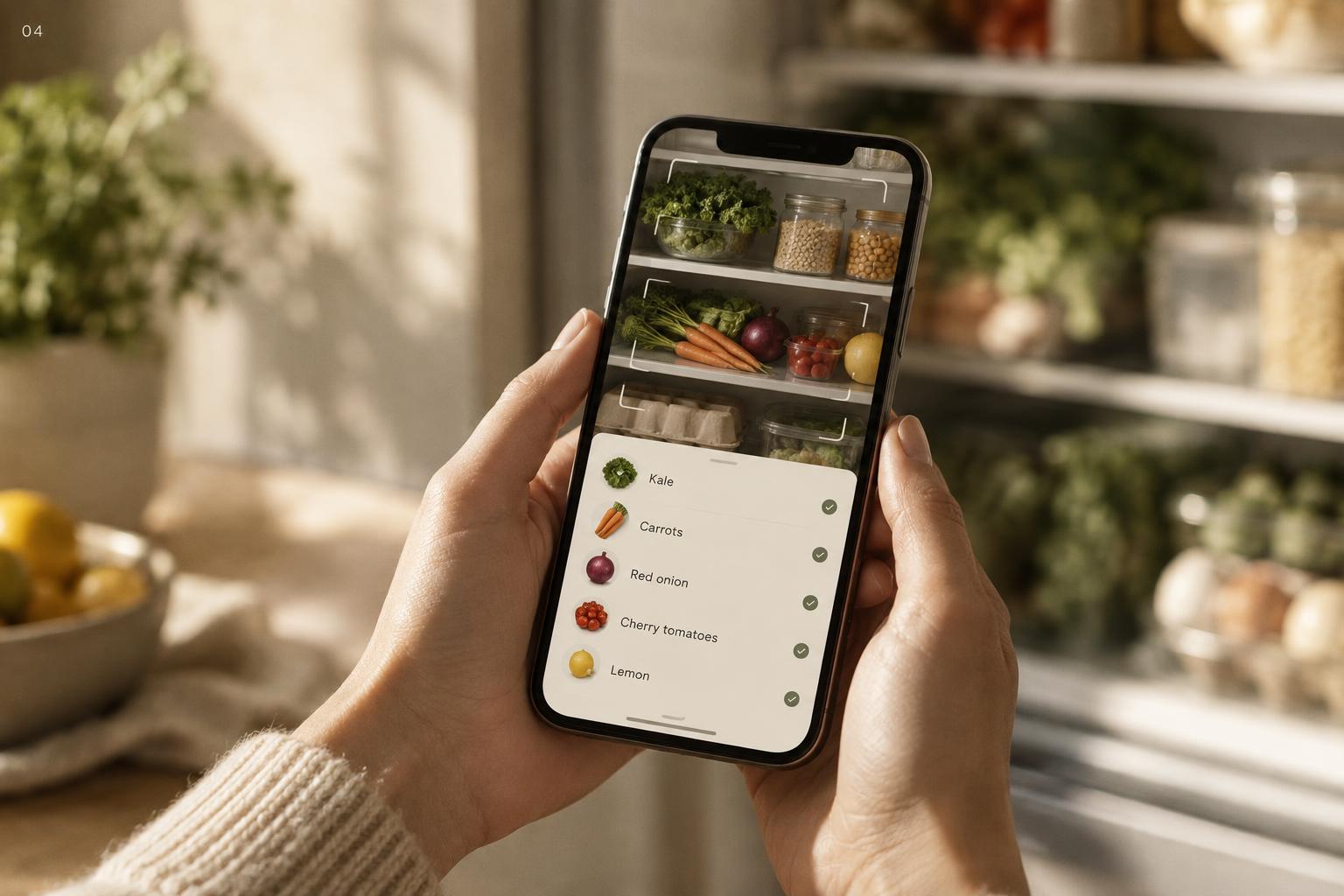
Photograph your fridge or pantry
Take a photo of what is on your shelves. Pantry Rescue identifies the ingredients in the image.
Dinner ideas for everyday cooks
Photograph your fridge or pantry. Get ingredient-based dinners that prioritise food nearing expiry. For students, young professionals and young families who want to waste less food and grocery money.
unlimited scans, meal plans and shopping lists$399per month
Dinner ideas
Start here
Pantry Rescue starts with the food you already have, not a recipe you need to shop for. A photo of your fridge or pantry becomes ingredients and three ideas for dinner.
Take a photo, see which ingredients the app identifies, then explore three dinners ranked by how many ingredients nearing expiry they use up.
Chad runs Pantry Rescue. The app is for students, young professionals and young families tired of throwing food away; its starting point is a fridge or pantry photo.
Start with your shelves. Let the ingredients lead the way.
Take a photo of what is on your shelves. Pantry Rescue identifies the ingredients in the image.
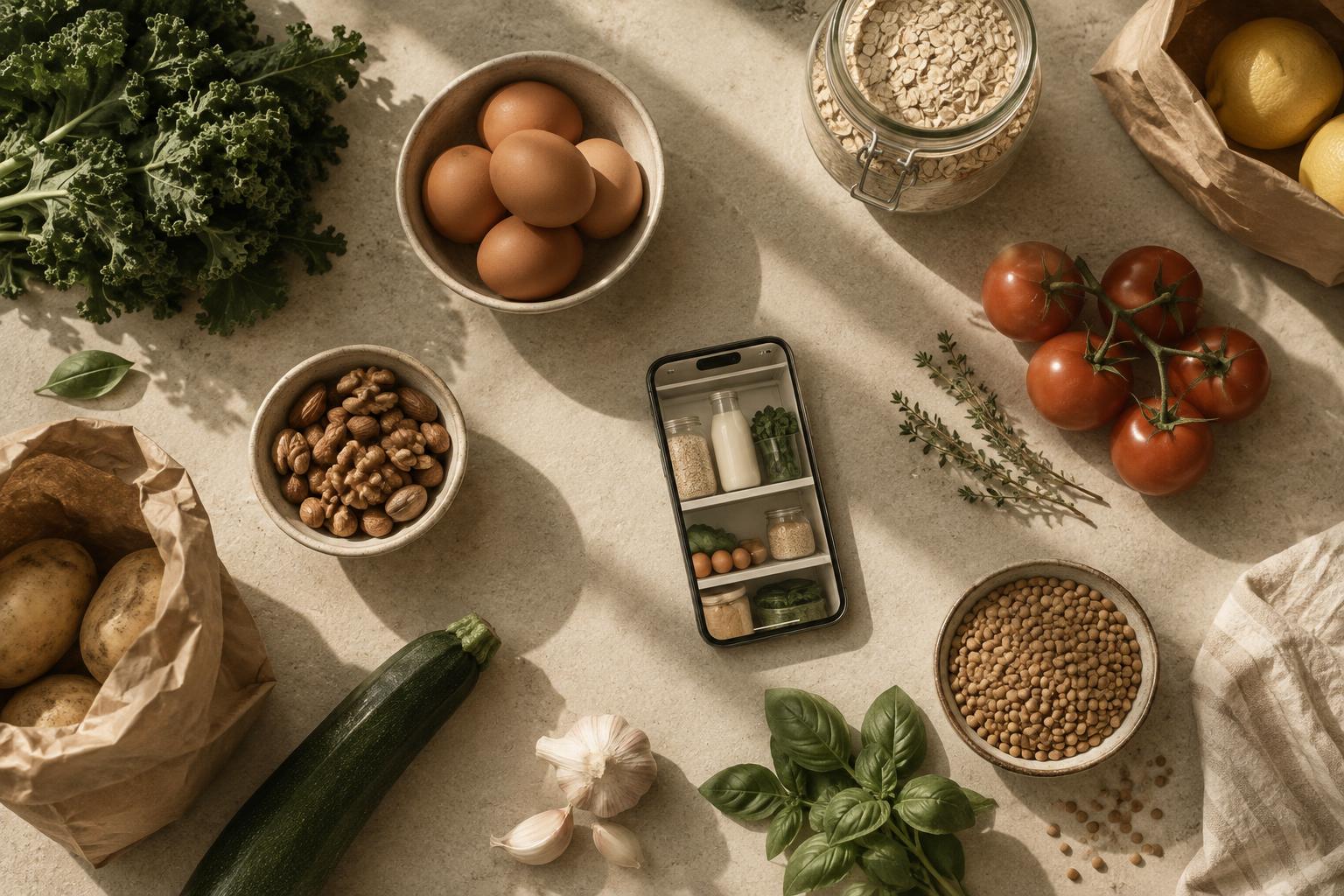
The app returns three dinner ideas using your ingredients, ranked by how many items nearing expiry they use.
How are the three dinners ranked?
Dinners are ranked by how many of your ingredients nearing expiry they use up. Start with the suggestion that gives those ingredients a place on your plate.
Choose from the three dinner ideas, with meal plans and shopping lists included in the paid monthly plan.
Ingredients first
A different starting point for the daily question of what to cook.
Get startedYour weekly Waste Score shows kilos and money saved, with a shareable card to put those figures in view.
Fridge Roast adds funny commentary to your photo. A little humour for the shelves you would rather not explain.
Questions
The plan includes unlimited fridge and pantry scans, meal plans and shopping lists through the app. It costs $399 per month.
Students, young professionals and young families who are tired of throwing food away and want dinner ideas based on what they already have.
The app uses your fridge or pantry photo to identify ingredients. Photo storage, retention and other data-handling details are not specified here.
This is a monthly subscription. Cancellation terms are not specified here; check those terms before purchasing.
No third-party integrations are listed here. The described workflow starts with a fridge or pantry photo in Pantry Rescue.
Start with what is already on your shelves.
Give the food you have a place in your next meal.